




What Is an MT5 Robot and How Does It Work?
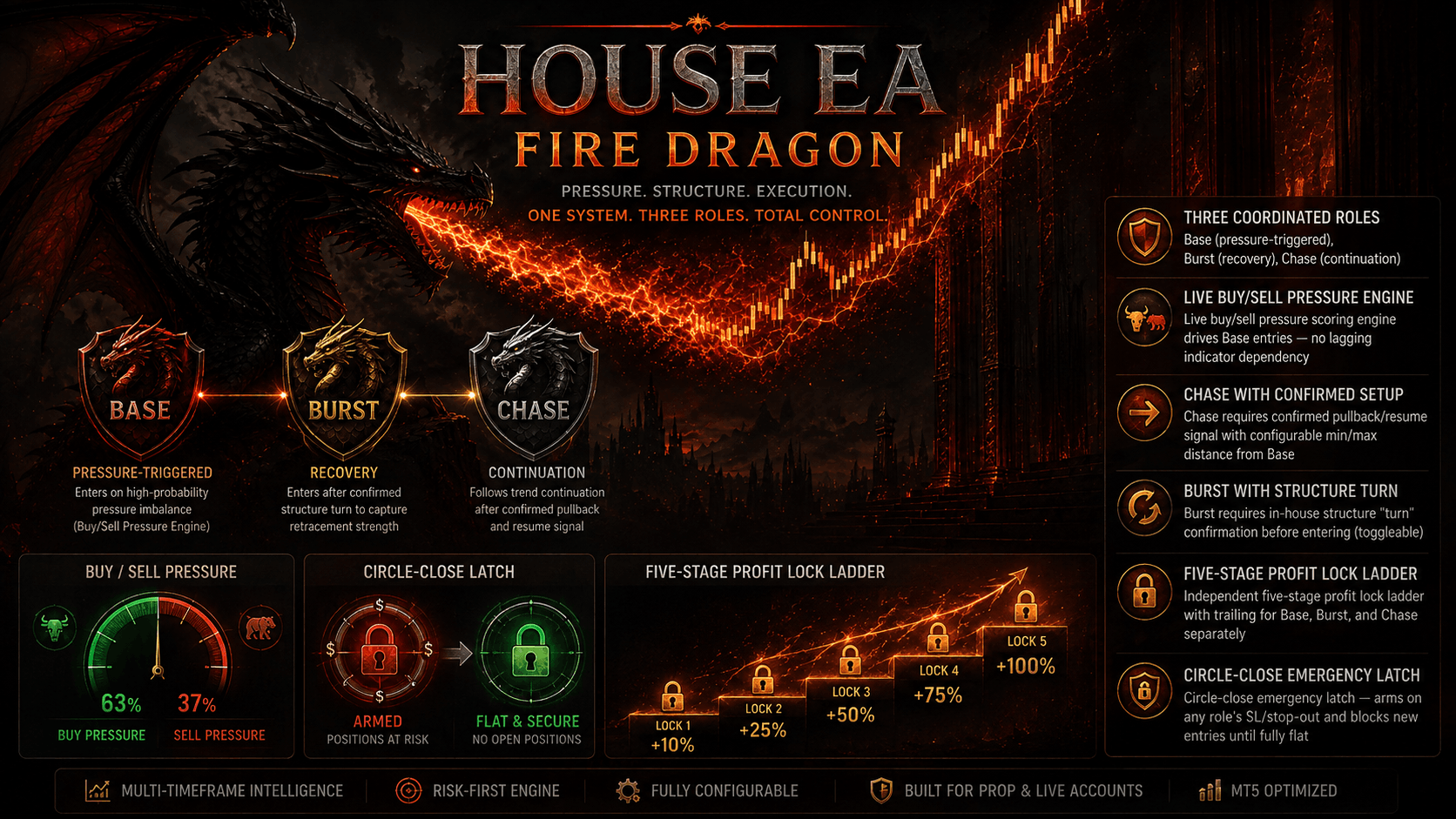
An MT5 robot, widely known as an Expert Advisor (EA), is an automated trading script written in the MQL5 programming language designed to execute trades on the MetaTrader 5 platform without human intervention. By continuously parsing live market data, monitoring technical indicators, and evaluating mathematical rules, an MT5 robot can open, manage, and close positions within milliseconds.
MetaTrader 5 natively supports multi-threaded processing, allowing modern automated systems to simultaneously analyze multiple currency pairs, commodities, and timeframes. When integrated with advanced custom MQL coding services, these algorithms can be tailored to incorporate proprietary entry strategies, complex hedging algorithms, and dynamic risk parameters.
Algorithmic Precision
Removes emotional decision-making, executing orders strictly according to pre-coded mathematical formulas and market triggers.
Multi-Asset Execution
Leverages MT5's multi-threaded architecture to trade forex majors, indices, and crypto assets concurrently on a single chart.
💡 Pro Execution Tip: Ensure your algorithmic system is hosted on a reliable Virtual Private Server (VPS) with low latency to your broker's datacenter to minimize slippage during volatile news releases.
Top-Performing MT5 Robots Compared
When evaluating automated trading solutions within the broader ecosystem of automated trading systems, it is critical to distinguish between different structural methodologies. Some strategies focus on high-frequency scalping during low-volatility sessions, while others utilize grid or martingale models designed to weather multi-directional market swings.
| Strategy Architecture | Primary Market Condition | Risk Profile |
|---|---|---|
| Trend Following | Strong directional momentum | Moderate (Lower win rate, high reward ratio) |
| Mean Reversion / Scalping | Ranging or consolidated sessions | Controlled (High win rate, strict stop-loss) |
| Grid / Averaging | Choppy, oscillating price action | High (Requires robust capital buffer) |
- Always inspect the maximum historical drawdown percentage rather than solely focusing on annualized return metrics.
- Combine your chosen automated system with reliable custom technical indicators to filter out false breakout signals.
Key Factors to Consider When Choosing an MT5 Robot
Selecting the right automated solution requires deep technical scrutiny. Traders must look beyond marketing claims and evaluate the underlying code structure, money management algorithms, and compatibility with specific broker execution models.
Broker Spread & Commission Compatibility
Scalping and high-frequency algorithms require ECN accounts with raw spreads to prevent transaction costs from eroding net profitability.
Built-in Risk Management
Look for systems that feature dynamic lot-sizing based on account equity, hard stop-losses, and maximum daily drawdown limits.
How to Install and Backtest an MT5 Robot
Deploying and verifying an automated system on MetaTrader 5 involves a standardized workflow designed to ensure operational integrity before risking real capital. Follow these structured steps to set up your environment:
- Download & Place Files: Save your compiled MQL5 executable (.ex5) file into the "MQL5 > Experts" directory within your MetaTrader 5 data folder.
- Configure Strategy Tester: Open the MT5 Strategy Tester (Ctrl+R), select your robot, choose a historical timeframe, and load multi-year tick data for maximum statistical accuracy.
- Enable Automated Trading: Navigate to Tools > Options > Expert Advisors in MT5 and verify that "Allow algorithmic trading" is checked before attaching the script to a live chart.